Getting Started
Set up your Log App in minutes
Your study administrator has invited you to participate. Follow these simple steps to get started.
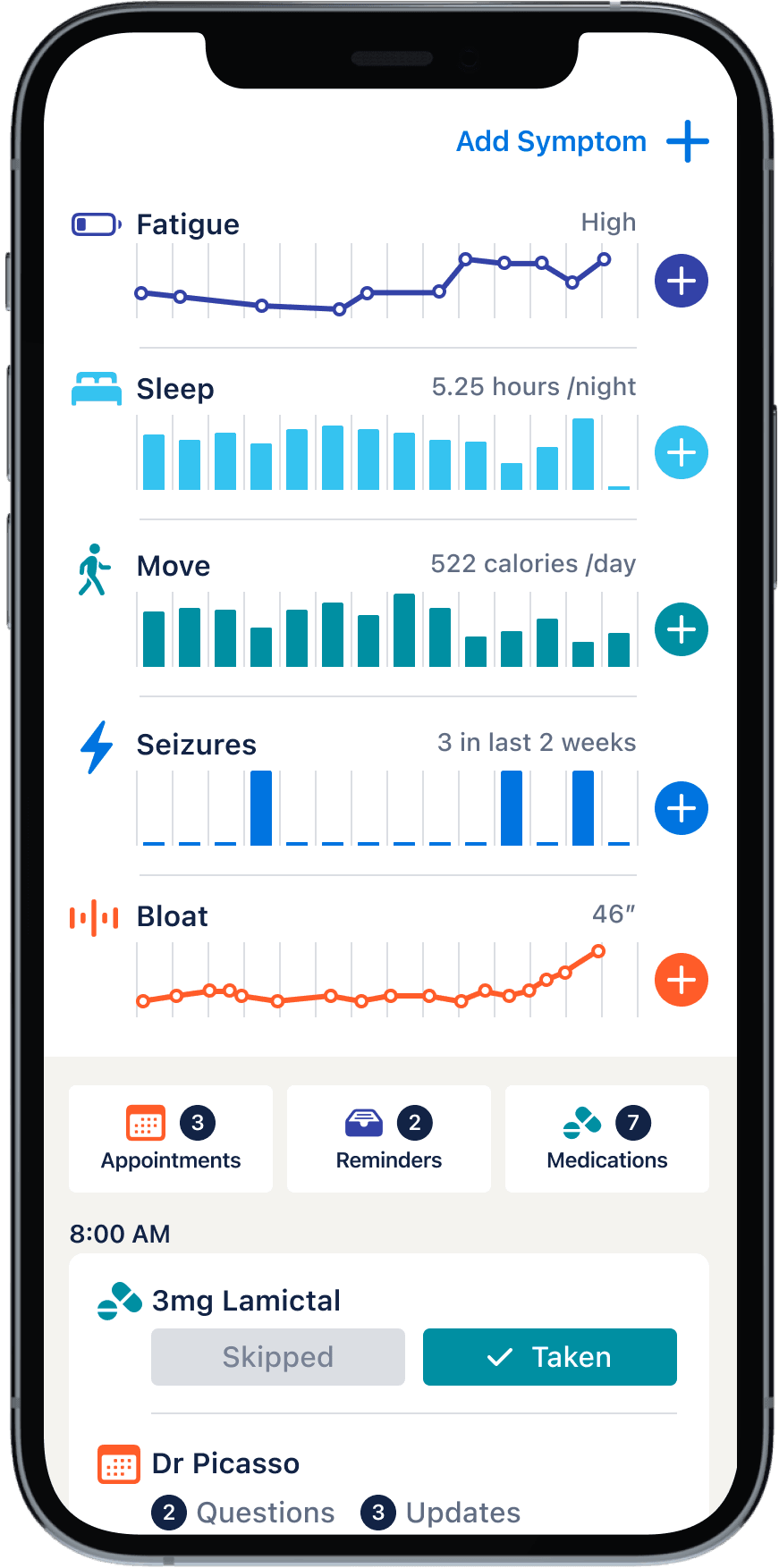
Before you start
Have these handy. The whole process takes about 5 minutes.
- Your phone (iPhone or Android)
- Your two codes: a Study Code and a Patient Code
Don't have your codes or the link? Contact your Study Administrator before continuing.
Which phone do you have?
Download the Log App
Tap the button below to download the Log App, then open it once it finishes installing.

Sign in
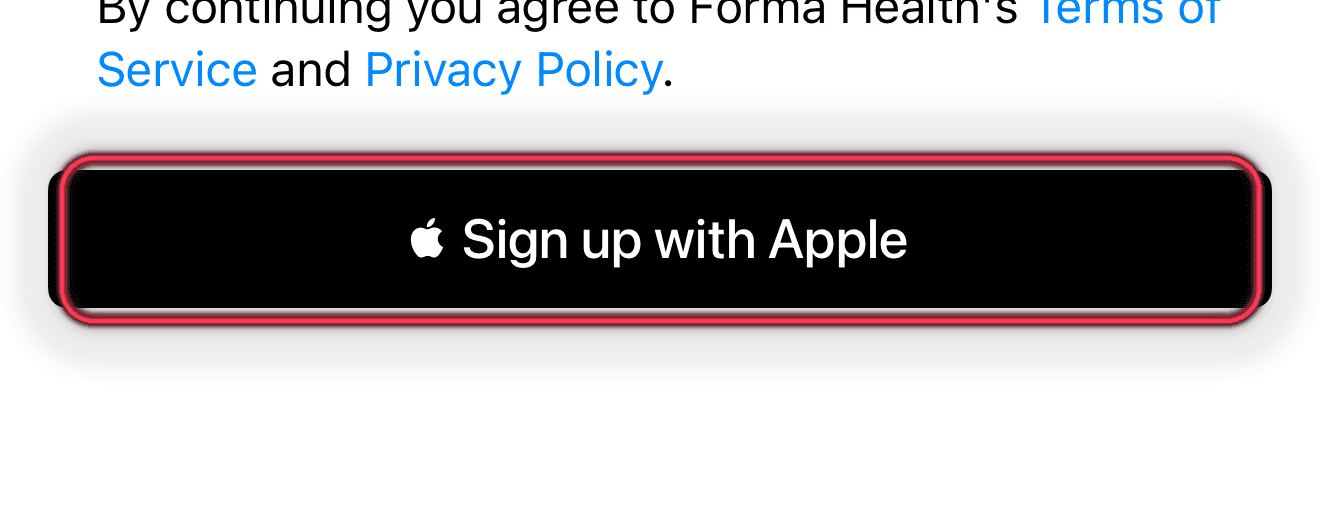
Tap Sign up with Apple and use your Apple ID. There's no separate password to remember.
Create a Patient
Enter a name or nickname for the patient in the study.

Enroll the patient in the study
On the All Patients screen, tap "Add Study" for the patient you just created.

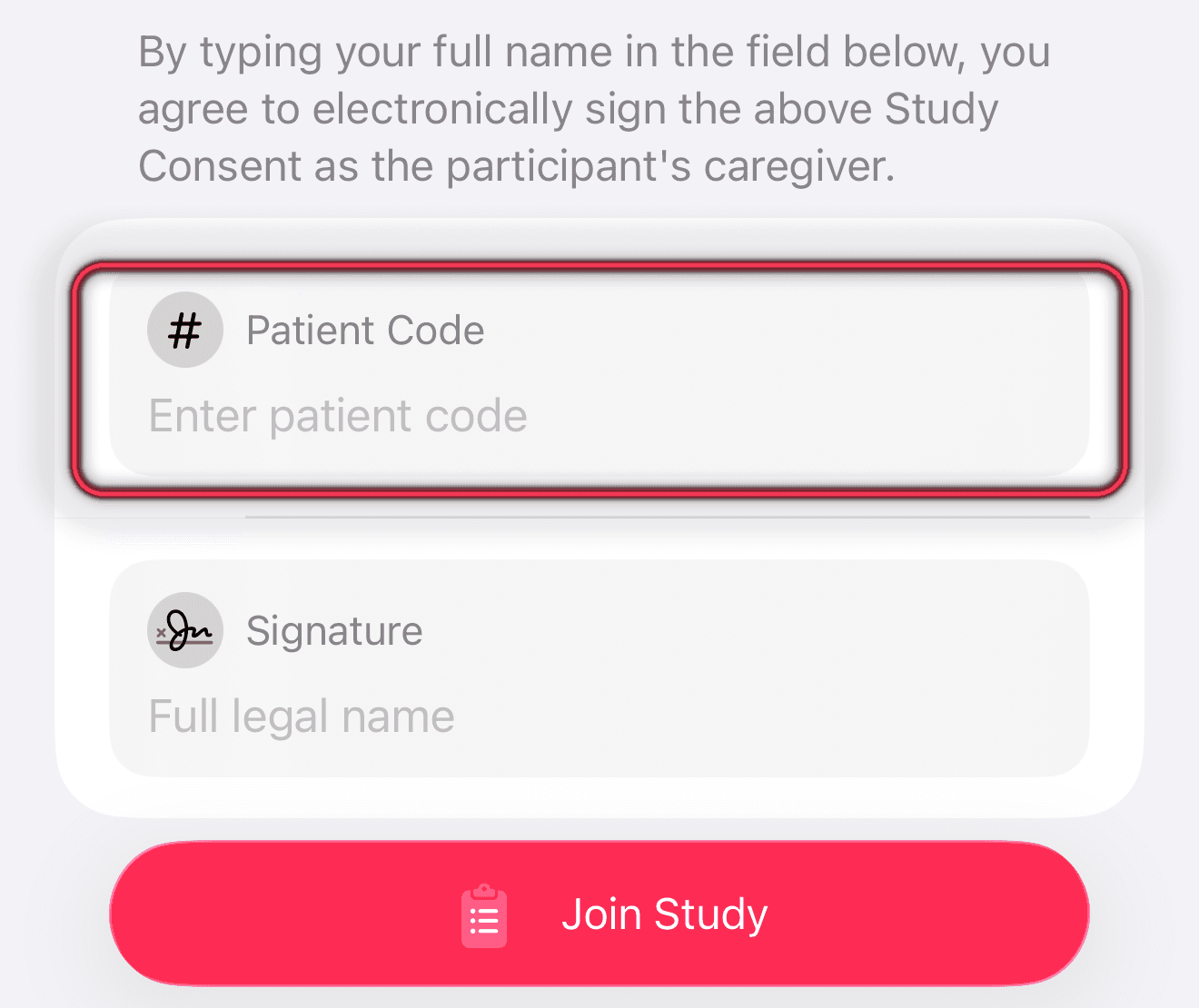
Enter your two codes
Your Study Administrator gave you two codes. Type them in exactly as shown.
Study Code
Identifies which study you're joining
Patient Code
Identifies you within the study
Review the Study Consent form and sign by typing your name.
Log your first entry
There's more than one way to log. Pick whichever feels easiest, they all save to the same place.
Easiest
Tap the mic button
Open the app and tap "Add Observation," then describe what happened out loud.
Ask Siri
Say "Hey Siri, Log a [topic]" to capture an entry hands-free, without opening the app.
Type it in
Prefer typing? Tap "Add Observation" and enter the details by hand.
Optional
Home-screen widget
Add the Log widget to your home screen for one-tap access. Touch and hold the home screen → tap Edit/+ → search for “Log.”
On iPhone, tap the "Add Observation" button:
Just tell us what happened
Speak naturally, like you're describing it to a friend or family member. Start with when it happened and walk through what you experienced, what you noticed before, during, and after. If you remember details like the time, how long it lasted, or how severe it felt, include those. If you're not sure, your best guess is fine.
When you're done, you'll be able to review what was captured and add anything you'd like.
Example voice entry
“He had a mild tonic seizure at eleven this morning. It lasted for 5 minutes and we gave him Clobazam. It took him 45 minutes to recover.”
Logging recommendations
The more detail you include, the more useful your data becomes. Here's a guide to help.
| Great | Good | Not specific enough | |
|---|---|---|---|
| When? | Around 7:00 am An hour ago | This morning Today | Every once in a while |
| What? | Tonic-Clonic Seizure | Seizure | An episode |
| Duration? | Lasted 2 minutes | Lasted a couple of minutes | Not a long time |
| How bad? | Severity was a 9 | A really bad one | Kind of like the one last month |
| How many? | 5 in a cluster | A few in a cluster | A cluster |
| What may have triggered it? | Missed medication last night | Stressed | Something was bothering her |
| How long to recover? | The post-ictal period lasted 1 hour | Recovered after an hour | Was better after a while |
| What else did you see? | Was staring during the seizure. Noticed he was drooling as he recovered. | There was vomit on the bed. | Really challenging recovery. |
| Medications? | Gave him an increased dose of Clobazam when the seizure started. | Gave her Keppra. | Gave her the recovery meds. |
Need help?
Questions about your study?
Contact your Study Administrator directly.
Issues with the Log App?
Reach out to Forma Health at support@formahealth.io
The Log App is currently available by invitation only through participating studies.
Ready to start logging?
Your health data helps advance research and improve your care.